The sound computer,
on your Mac.
Verdandi runs norns natively on macOS: the same scripts, engines, softcut and maiden, in a window that is the device. Standalone, or as an AUv3 inside your DAW.
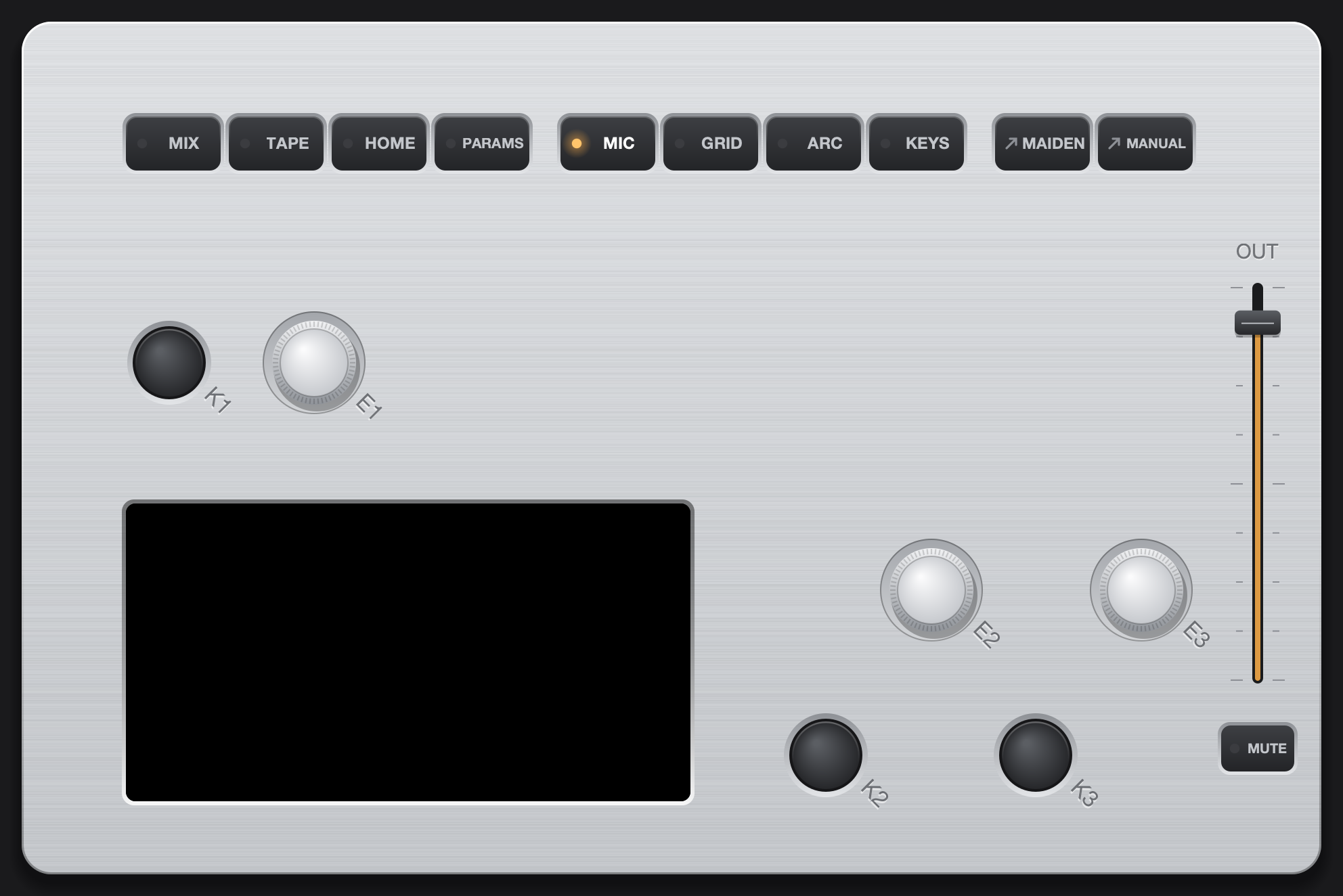
Everything norns does. Plus the Mac.
The community's scripts run unchanged. Around them, Verdandi adds what a computer is good at: every sound on the machine as input, drag and drop, a mouse and a keyboard.
The whole catalog
Install and edit scripts in maiden, the norns web editor, exactly like on the device. SuperCollider engines, softcut and tape are all there.
MIC · SYS · APP
Record the microphone or interface, the sound of every other app, or a single app, straight into a script. A video in the browser, a soft synth. No loopback driver.
norns in a DAW track
Insert the plugin in Logic, Live, Bitwig or Reaper: the track's audio and MIDI go into norns, and norns comes back into the track.
grid, arc, crow, MIDI
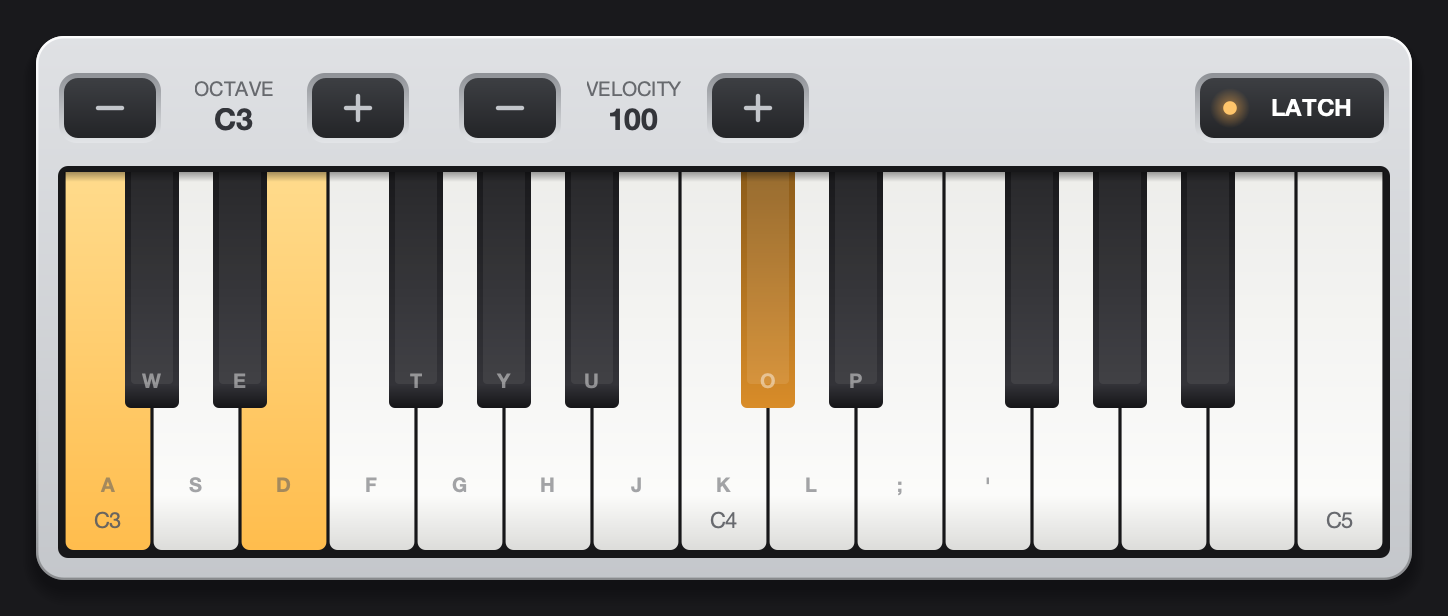
Plug in monome grids and arcs, crow and any MIDI controller over USB. No hardware? Open the virtual grid, arc and MIDI keyboard.
Drop it on the window
Drag samples from the Finder, Voice Memos or a sample browser onto norns. A script that asks for a file opens the Finder right next to its own browser.
Mouse and keyboard
Click the keys, drag the knobs, mix on the MIX page by mouse. return confirms, esc goes back. An output fader and MUTE sit right on the box.
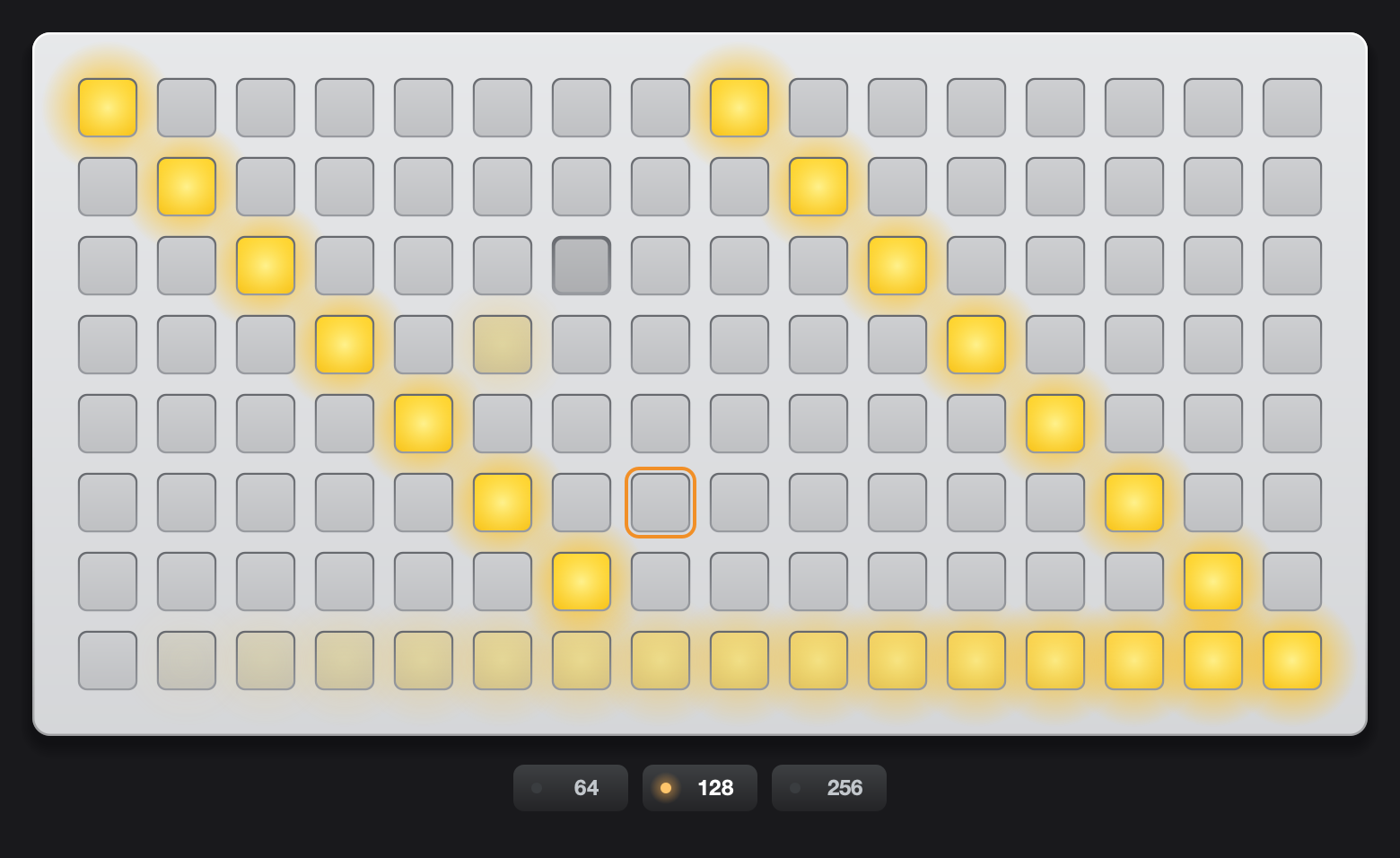
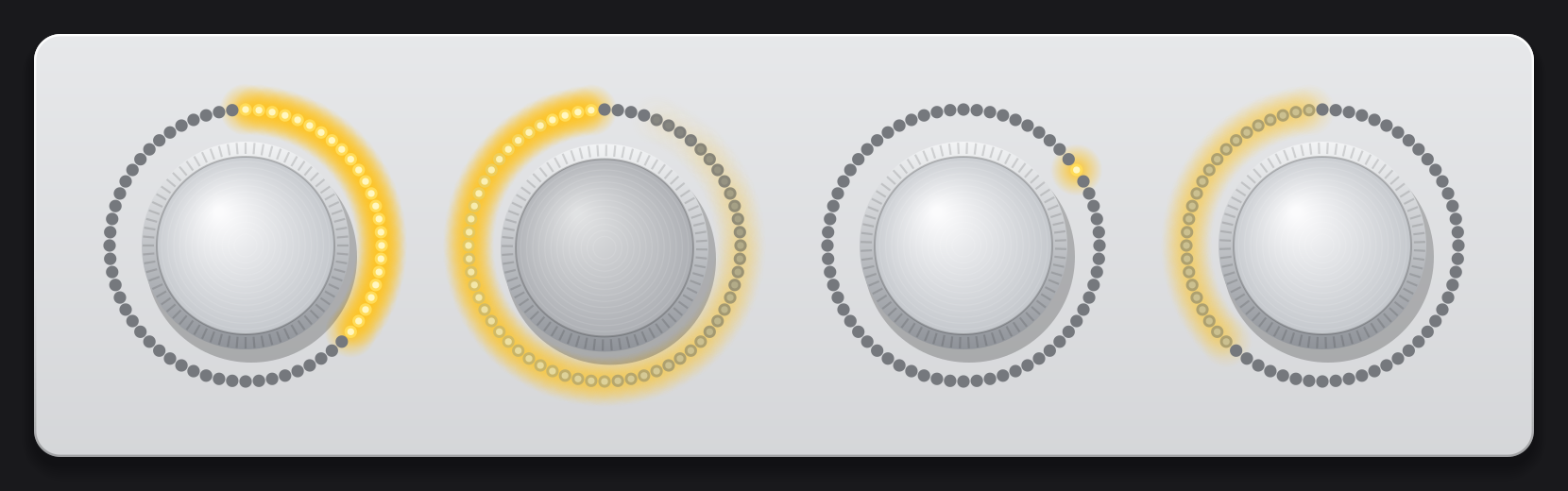
No grid on the desk? Open one.
The virtual grid and arc behave like the real ones: scripts see a 64, 128 or 256 grid and a four-ring arc, the keyboard plays MIDI. Real hardware takes over when you plug it in.
Get started
One disk image, everything inside: norns, SuperCollider, JACK, maiden, the plugin, the manual and the licenses.
- Download
Verdandi.dmgfrom the latest release. - Drag Verdandi into Applications and open it. It is not notarized, so macOS blocks the first start: System Settings › Privacy & Security › Open Anyway.
- Allow the microphone, press 3 on SELECT and pick a script. The plugin appears in your DAW after the first start.